Introduction
Understanding how to find backlinks in Google is essential for marketers, business owners, and SEO professionals striving for visibility in the competitive Australian landscape. Backlinks are crucial for improving domain authority and search engine rankings. This guide offers an in-depth overview of effective methods to check inbound links, utilising tools like Google Analytics and Search Console. With the right knowledge, you can optimise your digital marketing strategy and drive quality traffic to your website.
What Are Backlinks and Why Are They Important?
Backlinks, or inbound links, are hyperlinks from one website to another. They play a pivotal role in SEO because search engines like Google consider them as votes of confidence. Essentially, the more quality backlinks you have, the more authoritative your website appears to search engines, which helps improve rankings.
For example, if a well-known Australian blog within your niche links to your website, it signals to Google that your content is valuable. Conversely, low-quality or spammy backlinks can harm your site’s credibility and ranking. It’s crucial to focus on acquiring white-hat editorial backlinks through manual outreach rather than resorting to unethical practices.
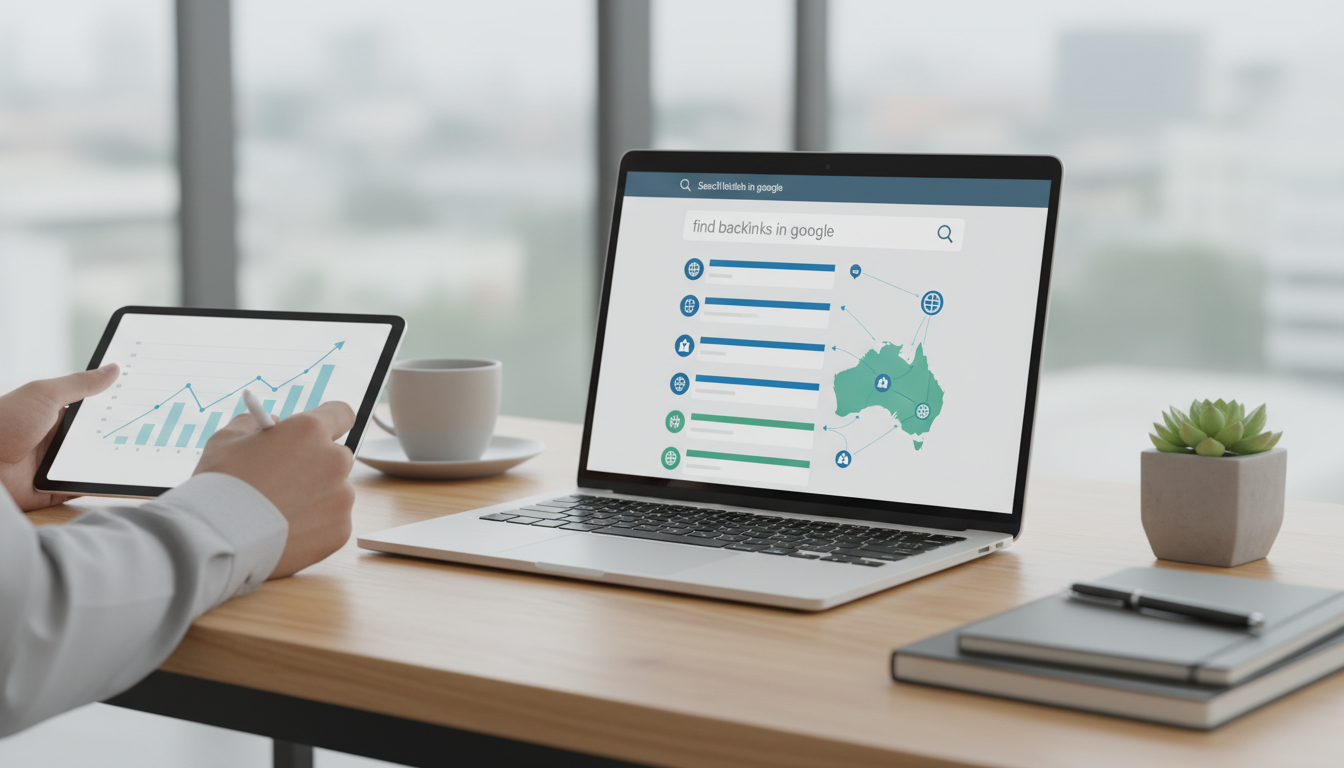
How to Find Backlinks in Google
To find backlinks in Google, you can use several methods. The most direct way is through Google Search Console. Here’s how:
- Log in to Google Search Console.
- Select your property.
- Navigate to ‘Links’ on the left pane.
- Under ‘External Links’, you will see your top linking sites and the linked pages.
Additionally, using Google Search itself can yield important insights. A simple query like link:yourwebsite.com may display some of the backlinks, although this method is less comprehensive.
Another effective approach is leveraging tools like Ahrefs or Majestic, which provide robust backlink profiles and metrics such as Domain Authority (DA) and Domain Rating (DR). However, these tools often come with a subscription fee. To compete for more specific searches, see our Ultimate Long Tail Keyword Research Tool Guide for 2025 AU.
How to Check Inbound Links Using Google Analytics
While Google Analytics does not directly show backlinks, you can still track referral traffic from websites linking to yours:
- Open Google Analytics.
- Click on ‘Acquisition’.
- Select ‘All Traffic’ and then ‘Referrals’.
This information helps you identify which sites are driving traffic through backlinks and allows you to evaluate their quality. If certain sites provide significant traffic, consider reaching out for further collaboration.
Using Google Search Console to Check Backlinks
Google Search Console provides a detailed overview of inbound links to your site. To effectively use this tool:
- Verify your site ownership in Google Search Console.
- Regularly review the ‘Links’ section for new backlinks.
- Analyse the types of content that are attracting the most links, and adjust your strategy accordingly.
How to Find Backlinks Using Google Search
Besides Google Search Console, you can directly find backlinks through search queries. Use the following operators to refine your search:
link:yourdomain.com“your content title”to find exact matches.yourdomain.com -wwwto exclude your own site from results.
This exercise can help you uncover less-known backlinks and potential partnerships. However, don’t rely solely on this method as it will not showcase all backlinks.
Checking Backlinks Using Other Tools
A variety of other tools can assist in checking backlinks effectively:
| Tool | Key Features | Pricing |
|---|---|---|
| Ahrefs | Comprehensive link data, site audits, rank tracking | Starting at $99/month |
| SEMrush | Keyword research, backlink analysis, and competitor insights | Starting at $119.95/month |
| Majestic | Focus on backlinks, site explorer, Trust Flow metrics | Starting at $49.99/month |
Once you’ve found who links to you, it’s crucial to ensure your site content is optimised. The Check Content for SEO: A Comprehensive Guide for Australia explains best practices.
Pro Tip: Quality Over Quantity in Backlinks
When acquiring backlinks, focus on quality rather than quantity. A few high-authority backlinks will yield better results than numerous low-value links. To ensure you build a robust backlink profile, adhere to white-hat practices such as creating valuable content that naturally attracts links, guest blogging on reputable sites, and engaging in digital PR efforts.
Common FAQs About Backlink Checking
What is the difference between dofollow and nofollow links?
Dofollow links pass “link juice,” helping with SEO, while nofollow links do not pass this authority. It’s important to have a balanced mix of both in your backlink profile.
How long does it take to see results from backlinks?
Typically, you may start to see changes in your rankings within a few weeks, but significant results can take time due to search engine algorithms and competition.
What is the role of Domain Authority (DA) in backlink quality?
DA is a metric developed by Moz that predicts how well a website will rank. Higher DA indicates a more authoritative site, meaning backlinks from it will carry more weight.
What are the risks of using spammy backlinks?
Utilising spammy backlinks can lead to penalties from Google, severely affecting your rankings and potentially causing website deindexing.
Are there any free tools to check backlinks?
While most comprehensive tools are paid, you can find basic backlink data using tools like Google Search Console or limited access options from platforms like Ubersuggest.
“`